In the rapidly evolving landscape of digital entertainment, streaming devices have become indispensable tools for accessing a world of content at our fingertips. Whether you’re a tech enthusiast or a casual viewer, setting up your streaming device correctly is crucial for an uninterrupted and seamless experience. This article delves into the essential steps and considerations to optimize your device’s performance, ensuring that you can enjoy your favorite shows and movies without a hitch. From network configurations to software updates, we provide a comprehensive guide to help you navigate the intricacies of modern streaming technology with ease and efficiency.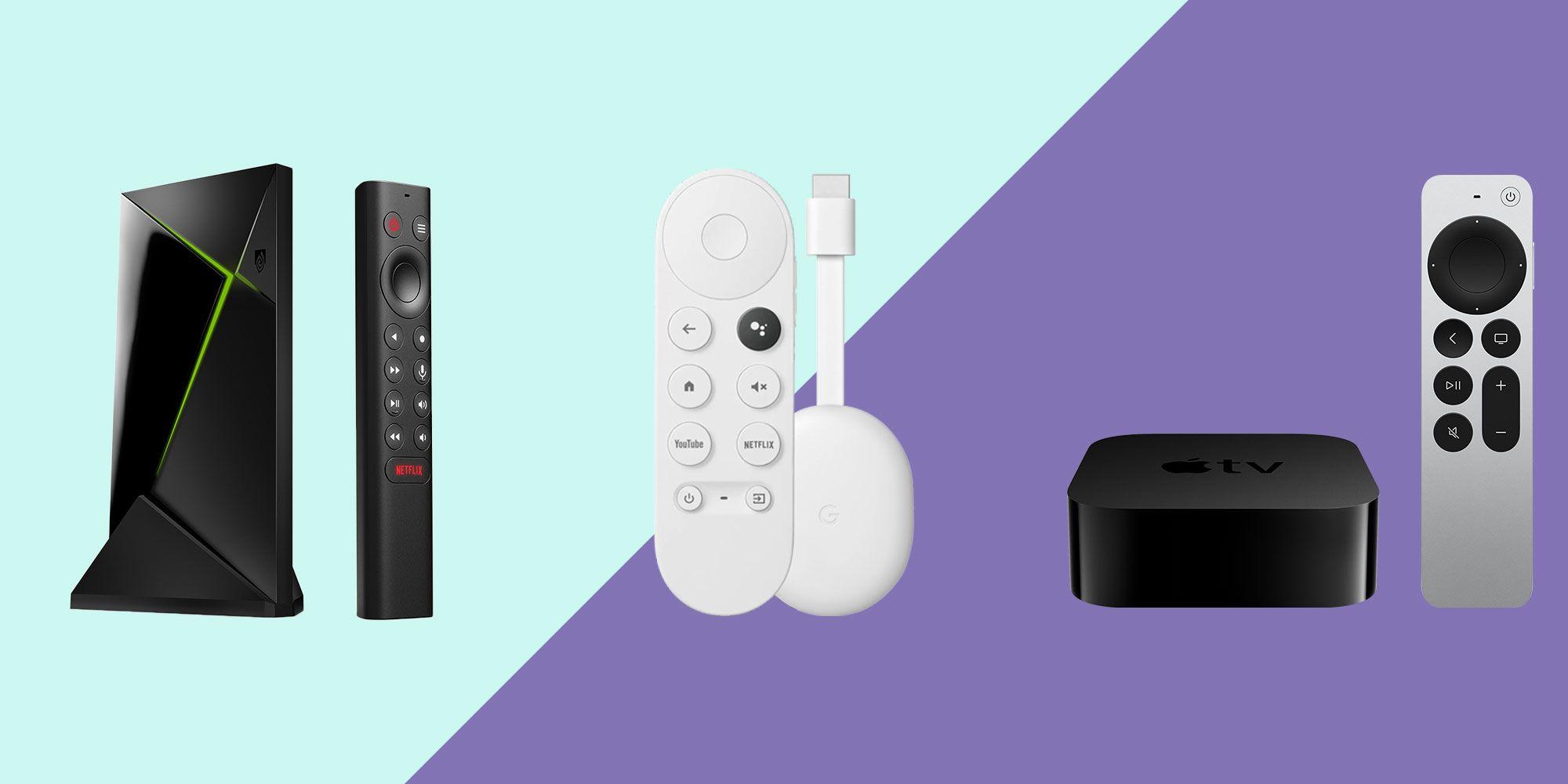
Choosing the Right Streaming Device for Your Needs
Finding the perfect streaming device involves evaluating your specific entertainment needs and preferences. Start by considering the ecosystem you are already invested in. For Apple users, an Apple TV might integrate seamlessly with your existing devices, offering features like AirPlay and access to Apple Arcade. On the other hand, if you are an avid Amazon user, the Fire TV Stick could be the right choice, providing easy access to Amazon Prime Video and Alexa voice control.
Next, consider the features that matter most to you. If you’re looking for high-definition streaming, ensure the device supports 4K HDR. For gamers, a device like NVIDIA Shield might be appealing due to its gaming capabilities. Don’t overlook compatibility with streaming services—make sure the device supports your favorite platforms like Netflix, Hulu, or Disney+. think about the interface and ease of use. Some devices offer more intuitive navigation, which can enhance your viewing experience.
- Budget: Compare prices to find a device within your budget.
- Portability: If you travel frequently, consider a compact, portable option.
- Audio Support: Look for devices that support Dolby Atmos for enhanced sound quality.
Optimizing Internet Connectivity for Buffer-Free Streaming
Ensuring a stable and high-speed internet connection is crucial for an uninterrupted streaming experience. Begin by examining your current internet plan. A speed of at least 25 Mbps is recommended for HD streaming, while 4K streaming demands upwards of 50 Mbps. If your plan falls short, consider upgrading for better performance.
- Router Placement: Position your router in a central location, free from obstructions like walls and furniture, to maximize signal strength.
- Wired Connection: Whenever possible, use an Ethernet cable to connect your streaming device directly to the router, reducing latency and potential interference.
- Network Optimization: Limit the number of devices connected to the network during streaming sessions to ensure bandwidth is prioritized for your device.
Additionally, consider investing in a quality router that supports the latest Wi-Fi standards, such as Wi-Fi 6, to accommodate multiple devices and high-speed demands efficiently. Implementing these steps can significantly enhance your streaming quality, providing a buffer-free experience.
Configuring Audio and Video Settings for Optimal Performance
To ensure your streaming device delivers top-notch performance, it’s crucial to fine-tune both audio and video settings. Start by adjusting the video resolution. Most streaming devices support resolutions up to 4K, but it’s essential to match this with your TV’s capabilities to avoid unnecessary strain on your network. Check the refresh rate settings to ensure smooth motion—60Hz is standard for most content, but some prefer 120Hz for sports and action-packed movies.
Next, focus on the audio output. Utilize Dolby Atmos or DTS:X if your sound system supports these formats, as they provide an immersive surround sound experience. Ensure the audio sync is correctly set to avoid any lag between sound and picture. Here’s a quick checklist to optimize your settings:
- Match resolution with your display capabilities.
- Adjust refresh rate for smoother playback.
- Enable advanced audio formats if available.
- Verify audio sync settings to prevent delays.
Ensuring Device Security and Privacy Settings
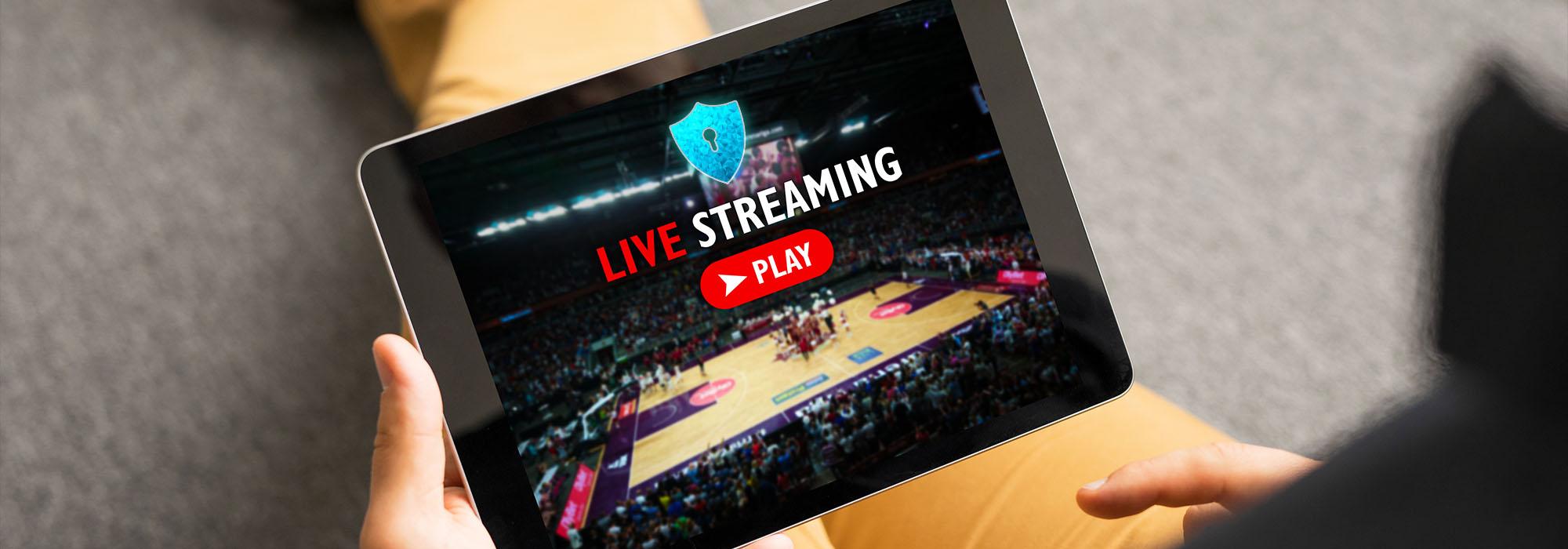
To protect your personal information and maintain a smooth streaming experience, it’s crucial to fine-tune your device’s security and privacy settings. Start by ensuring your device’s firmware is up-to-date. Manufacturers often release updates that patch security vulnerabilities, so enabling automatic updates or regularly checking for them is a smart move.
- Network Security: Connect your device to a secure, password-protected Wi-Fi network. Avoid using public networks which can expose your data to unauthorized access.
- Two-Factor Authentication: Enable this feature on your streaming accounts when available. It adds an extra layer of security by requiring a verification code in addition to your password.
- Privacy Settings: Review the permissions granted to apps. Limit access to your location, microphone, and camera unless absolutely necessary.
- Data Collection: Opt-out of data collection and personalized ads if privacy is a concern. Check the settings menu for options to manage these preferences.
Implementing these measures not only enhances your security but also ensures that your device operates efficiently, providing a seamless streaming experience.