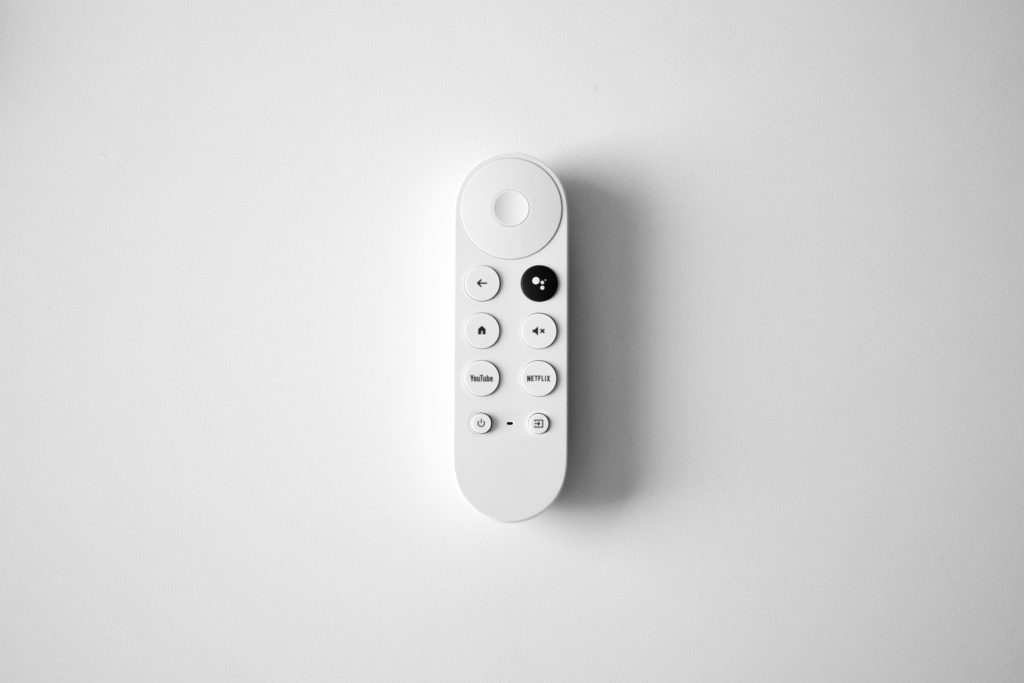

In the rapidly evolving landscape of home entertainment, streaming devices have become essential tools for accessing a vast array of content with ease and convenience. Among the leading contenders in this space are Chromecast and Roku, each offering unique features and capabilities designed to enhance the viewing experience. This article delves into a detailed comparison of these two popular devices, examining their strengths, weaknesses, and the overall value they provide to users. By exploring aspects such as usability, content availability, and technological innovation, we aim to determine which device truly delivers the best streaming experience for today’s discerning viewers.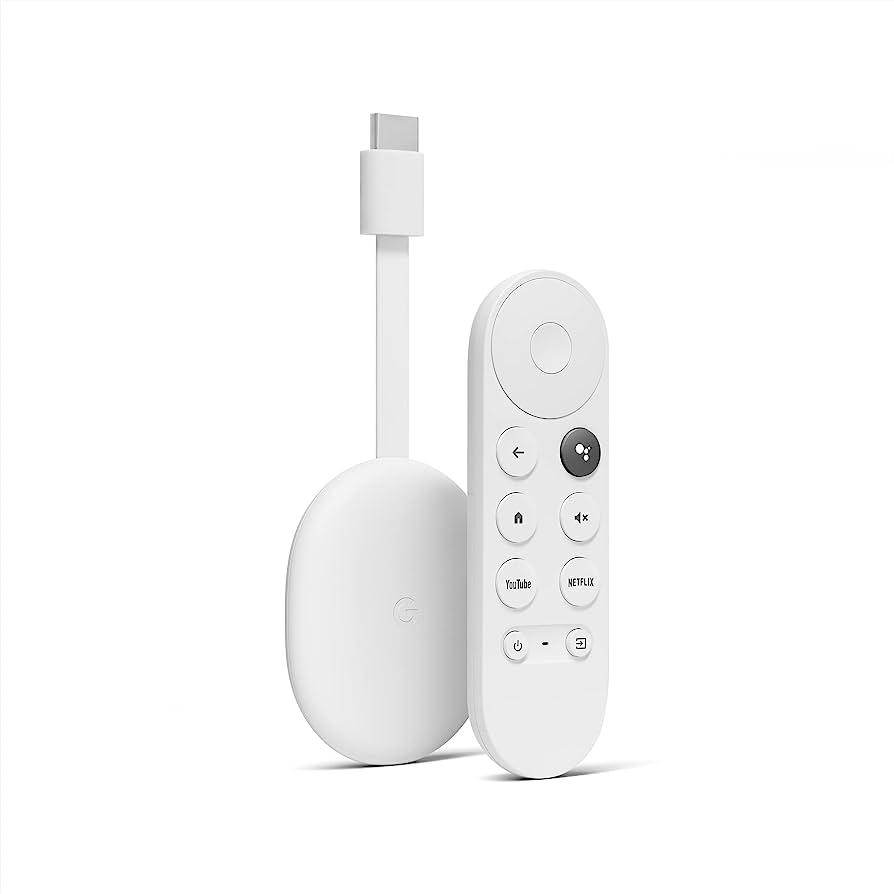
Device Compatibility and Integration
When evaluating these streaming devices, compatibility and integration emerge as pivotal factors in determining their effectiveness. Chromecast boasts a seamless integration with Google’s ecosystem, making it a breeze for Android users and those embedded in the Google environment. With its ability to cast from a wide range of apps and devices, Chromecast allows users to control streaming directly from their smartphones or tablets. This flexibility is complemented by its compatibility with Google Assistant, enabling voice-activated controls that enhance the user experience.
On the other hand, Roku presents a more universal approach with its extensive compatibility across various platforms. It supports a multitude of apps, offering a comprehensive range of channels and services. Roku’s integration with both Alexa and Google Assistant provides a versatile voice control option, catering to a broader audience. Moreover, its user-friendly interface and dedicated remote make navigation straightforward, appealing to users who prefer a more traditional remote-based control. Each device brings unique strengths to the table, with Chromecast excelling in ecosystem integration and Roku shining in platform versatility.
User Interface and Ease of Use
When it comes to user interface, Chromecast and Roku take distinct approaches. Chromecast leverages the Google Home app, allowing users to cast content directly from their mobile devices. This means your smartphone or tablet acts as the remote, offering an intuitive experience if you’re already accustomed to app-based navigation. The minimalist approach can be refreshing, but it might require some getting used to for those who prefer traditional remote controls.
On the other hand, Roku boasts a more conventional interface with its own operating system and remote control. The home screen is organized with easy-to-navigate tiles, providing quick access to popular streaming services. Its remote includes shortcuts to major platforms like Netflix and Hulu, enhancing convenience. Users might appreciate the straightforward menu layout and customizable channel grid, which cater to a more traditional viewing experience. In essence, while Chromecast offers flexibility and integration with mobile devices, Roku prioritizes a structured and user-friendly interface with its dedicated remote.

Content Availability and Streaming Quality
- Chromecast: Known for its seamless integration with Google services, Chromecast offers a broad range of apps and services. The device supports up to 4K HDR streaming, ensuring high-quality visuals for compatible content. However, the actual streaming quality can vary depending on the source app’s capabilities and your internet connection. Chromecast relies heavily on your smartphone or tablet to control streaming, which can be both a pro and a con. The flexibility to cast from any supported app is a plus, but the dependency on a secondary device might not suit everyone.
- Roku: Renowned for its extensive content library, Roku provides access to thousands of channels, including popular streaming services like Netflix, Hulu, and Disney+. Its interface is user-friendly, and it offers a dedicated remote, allowing for straightforward navigation without needing a smartphone. Roku devices also support up to 4K HDR, delivering impressive streaming quality. Unlike Chromecast, Roku’s platform is standalone, which might appeal to users looking for a more traditional remote-controlled experience.
Price and Value for Money
When comparing Chromecast and Roku in terms of cost-effectiveness, both devices offer compelling reasons to be considered. Chromecast’s pricing is generally lower, making it an attractive option for those on a budget. However, its value proposition lies in its seamless integration with other Google services and devices. If you’re already invested in the Google ecosystem, Chromecast might offer more bang for your buck.
On the other hand, Roku provides a variety of models to fit different budgets, from basic streaming sticks to more advanced devices with enhanced features. While the initial cost might be higher than Chromecast, Roku offers a more extensive selection of free channels and a user-friendly interface that appeals to a broad audience. Consider the following when deciding:
– Chromecast:
– Lower initial cost
– Integration with Google services
– Simple setup and use
– Roku:
– Range of models and prices
– Extensive channel selection
– User-friendly interface
Ultimately, the choice depends on personal preferences and ecosystem compatibility. Both devices offer substantial value, but your decision should align with your streaming habits and existing technology.