In the rapidly evolving landscape of home entertainment, the decision to enhance your 4K TV experience often leads to a common question: is a streaming stick necessary? As consumers navigate a plethora of options, from built-in smart TV capabilities to standalone devices, understanding the true value and functionality of streaming sticks becomes essential. This article delves into the technical and practical aspects of these devices, examining their advantages, potential drawbacks, and overall impact on viewing quality. By analyzing current trends and technological advancements, we aim to provide a comprehensive overview to help you make an informed decision tailored to your viewing preferences.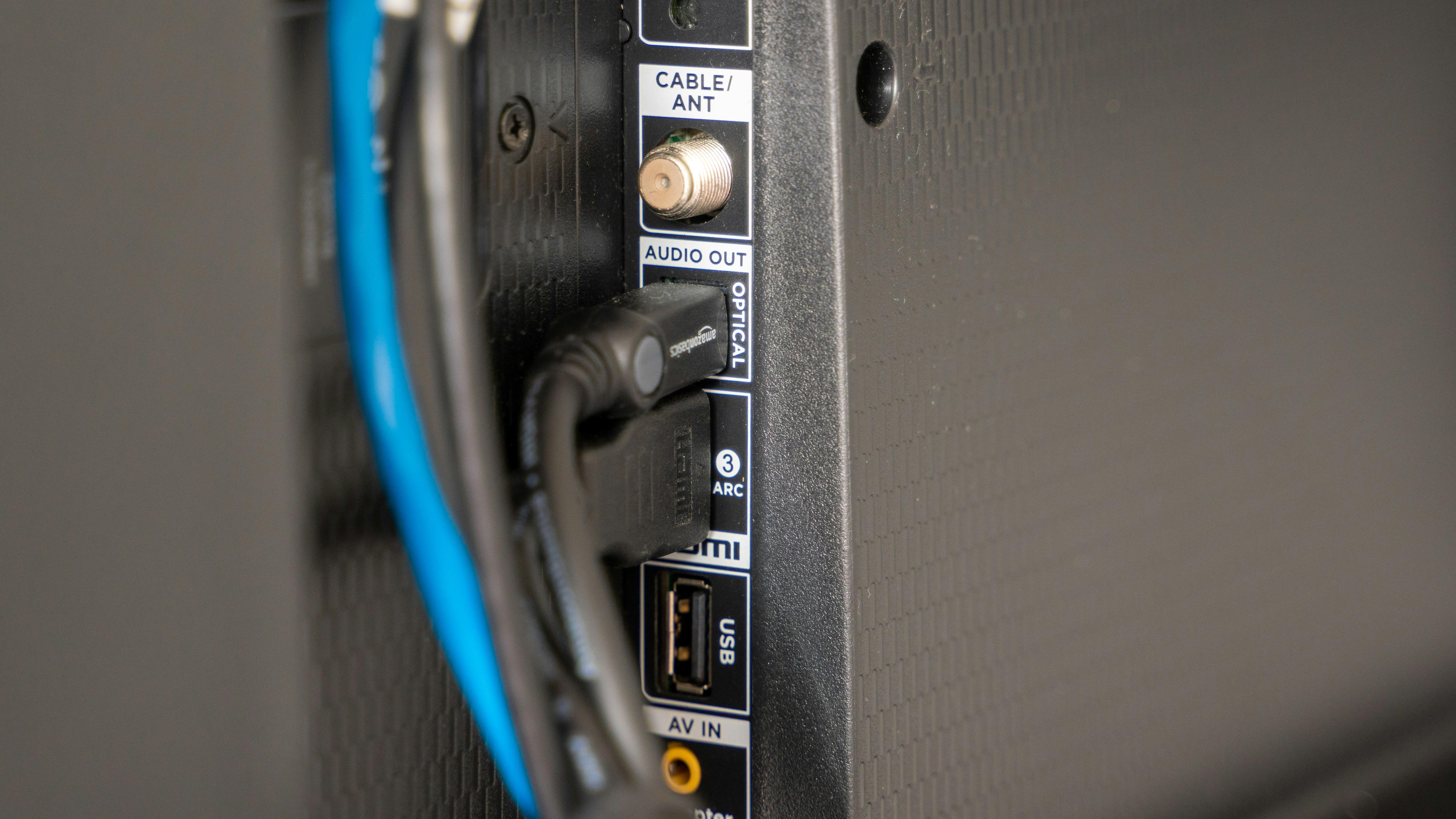
Evaluating the Necessity of Streaming Sticks for 4K Televisions
When considering whether a streaming stick is essential for your 4K television, it’s important to evaluate the capabilities of your current setup. Many modern 4K TVs come with built-in smart features that provide access to popular streaming services like Netflix, Amazon Prime, and Hulu. However, these built-in apps may not always offer the most user-friendly interface or the latest updates.
- Performance: Streaming sticks often have dedicated processors and more RAM, which can lead to faster navigation and improved app performance compared to some TV operating systems.
- Content Variety: Certain streaming sticks offer access to exclusive apps or channels not available on all smart TVs, expanding your viewing options.
- Updates and Support: Regular updates ensure access to the latest features and security patches, which might be more frequent with a streaming device than with a TV’s native OS.
Ultimately, the decision hinges on your priorities: if you value a seamless and expansive streaming experience, a dedicated device might be worthwhile. However, if your TV’s built-in options suffice, investing in a streaming stick may be unnecessary.
Understanding Built-In Smart TV Features Versus External Devices
Modern Smart TVs come equipped with a variety of built-in features that offer a seamless streaming experience. These TVs typically include popular apps like Netflix, Hulu, and YouTube, and they often support 4K resolution, HDR, and voice control through virtual assistants. The convenience of having everything integrated into the TV interface means fewer devices and cables cluttering your space. However, the performance of these built-in systems can vary significantly between brands and models, sometimes resulting in slower app launches or limited app availability.
On the other hand, external streaming devices like Roku, Amazon Fire Stick, and Apple TV provide a robust alternative. These devices often offer a wider selection of apps, faster processing speeds, and more frequent updates. Additionally, they can provide features that some Smart TVs might lack, such as advanced search capabilities or personalized recommendations. When choosing between relying on your Smart TV’s built-in capabilities or opting for an external device, consider factors such as:
- App Availability: Does your TV support all the apps you frequently use?
- Performance: Are the built-in apps fast and responsive?
- Updates: How often does your TV receive software updates?
- Additional Features: Do you need features like screen mirroring or voice search?

Performance and Compatibility: Key Considerations for 4K Streaming
When it comes to streaming 4K content, the choice of device can significantly impact both performance and compatibility. A crucial factor is the processing power of the streaming stick or device. More advanced models come equipped with powerful processors that handle high-resolution video smoothly, reducing buffering and lag. This is essential for maintaining the crispness and clarity that 4K offers.
Compatibility is another key consideration. Ensure the device supports HDR formats like HDR10 or Dolby Vision, which enhance the color and contrast of the video. Check for audio format support such as Dolby Atmos for a more immersive sound experience. It’s also important to verify the availability of your preferred streaming apps and services, as some might not be supported on all devices. Here’s a quick checklist:
- Processing Power: Opt for devices with high-speed processors.
- HDR Support: Look for HDR10 or Dolby Vision compatibility.
- Audio Formats: Ensure support for Dolby Atmos.
- App Availability: Confirm that your favorite streaming services are accessible.

Expert Recommendations for Optimizing 4K Viewing Experience
- Invest in Quality HDMI Cables: To fully enjoy the crisp details of 4K, ensure you use high-speed HDMI cables that support 4K resolution at 60Hz. Look for cables labeled as “Premium High-Speed” or “Ultra High-Speed” to avoid any bottleneck in video quality.
- Optimize Internet Speed: Streaming 4K content requires a robust internet connection. Aim for a minimum of 25 Mbps for a smooth experience. Consider upgrading your plan if your current speed doesn’t meet this requirement.
- Calibrate Your TV Settings: Adjust your TV’s settings to enhance picture quality. Utilize built-in calibration tools or refer to online guides to tweak brightness, contrast, and color settings to suit 4K content.
- Consider Streaming Device Features: If you opt for a streaming stick, ensure it supports HDR formats like HDR10 or Dolby Vision, which can significantly enhance visual depth and color richness.
- Update Firmware Regularly: Keep your streaming device and TV firmware updated to ensure compatibility with the latest 4K content and streaming services. Updates often include enhancements that improve performance and add new features.