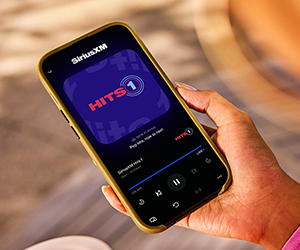
In an era where digital streaming dominates the entertainment landscape, utilizing your smartphone as a streaming device for your TV has become an increasingly practical solution. This approach not only maximizes the utility of your existing technology but also offers a flexible and cost-effective alternative to traditional streaming devices. By leveraging built-in features and readily available apps, your phone can seamlessly transform into a powerful hub for accessing a wide array of content. This article delves into the technical aspects and practical steps required to effectively convert your smartphone into a streaming powerhouse, ensuring a smooth and enhanced viewing experience.
Understanding Device Compatibility and Requirements
When turning your phone into a streaming device for your TV, it’s crucial to consider the compatibility and requirements of your devices. First, verify that your phone supports the necessary streaming technology, such as Miracast, Google Cast, or AirPlay, depending on whether you’re using an Android or iOS device. Additionally, ensure your TV or streaming device, like a Chromecast or Apple TV, can receive signals from your phone.
- Operating System: Ensure your phone’s OS is updated to the latest version to support streaming features.
- Network Connectivity: Both devices should be on the same Wi-Fi network to enable seamless streaming.
- App Compatibility: Install compatible apps that facilitate streaming, such as YouTube, Netflix, or Spotify, which offer casting options.
- Resolution Support: Check if your TV supports the resolution output of your phone to ensure optimal video quality.
Understanding these technical aspects can greatly enhance your streaming experience, transforming your phone into a reliable media hub for your TV.
Exploring Streaming Apps and Services
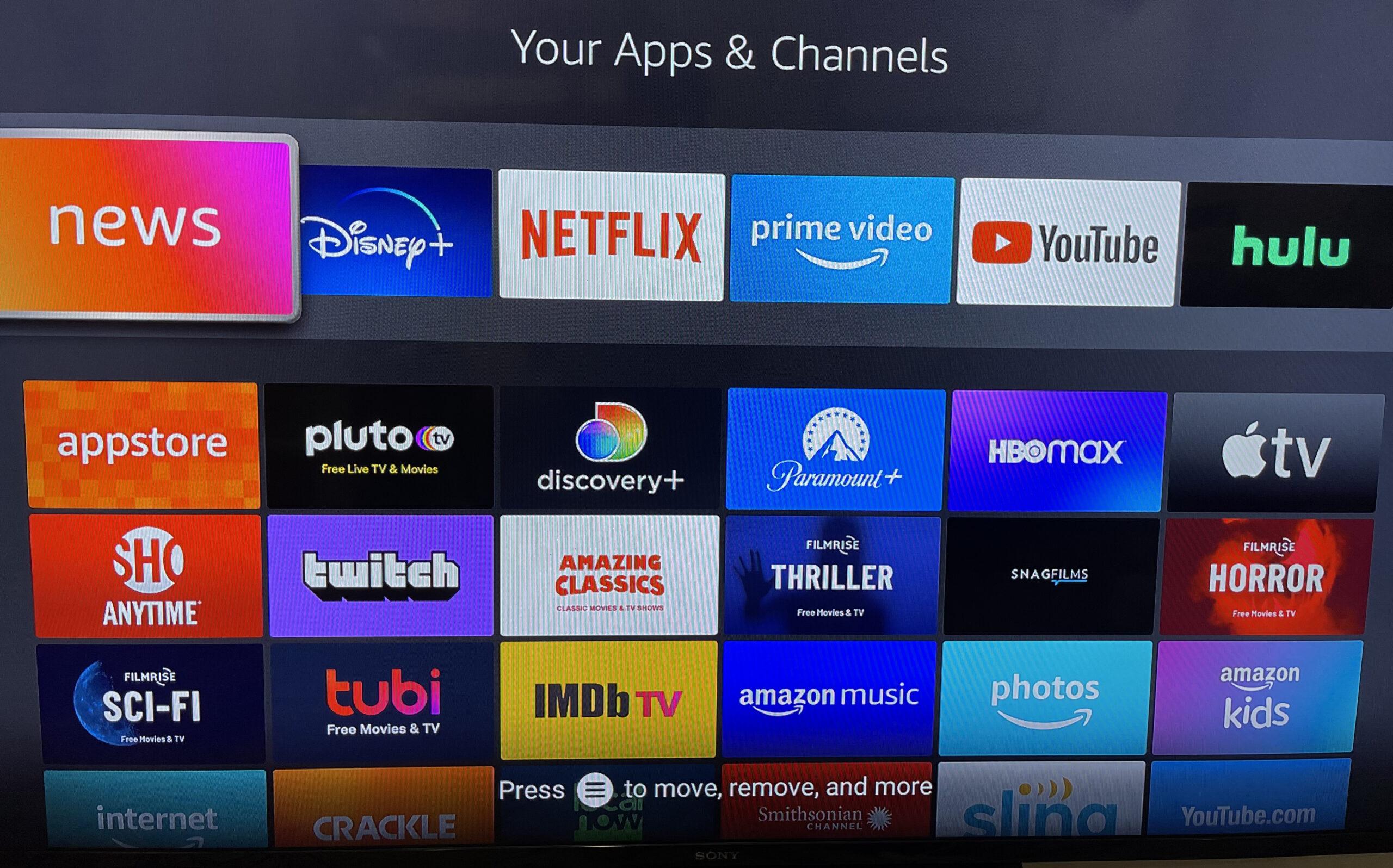
In the ever-evolving world of digital entertainment, your smartphone can seamlessly transform into a powerful streaming hub for your TV. With a plethora of streaming apps and services available, it’s easier than ever to access a vast array of content. Here’s a quick guide on how to maximize your phone’s potential:
- App Selection: Choose from popular apps like Netflix, Hulu, Disney+, and Amazon Prime Video. Each offers unique features and content libraries. Ensure that you have the latest versions installed for optimal performance.
- Connectivity: Utilize casting or screen mirroring options available on most smartphones. Devices such as Chromecast or Apple TV can facilitate a smooth connection between your phone and TV.
- Network Stability: A stable Wi-Fi connection is crucial. Consider upgrading your router or using a wired connection to minimize buffering and enhance streaming quality.
- Subscription Management: Take advantage of free trials and bundled services. Many providers offer discounts for combining streaming packages, allowing you to explore more content without breaking the bank.
By leveraging these tools and strategies, your smartphone becomes more than just a device for calls and texts—it’s your gateway to a world of entertainment.
Optimizing Network Settings for Seamless Streaming
To ensure your phone performs optimally as a streaming device, it’s crucial to fine-tune your network settings. Start by connecting to a 5 GHz Wi-Fi network if available. This frequency offers faster speeds and less interference compared to the 2.4 GHz band. Check your router settings to ensure it’s broadcasting both frequencies and select the best one for your environment.
- Enable Quality of Service (QoS): Prioritize streaming traffic over other types of data. Access your router’s QoS settings and allocate higher bandwidth to your streaming apps.
- Reduce Network Congestion: Disconnect unnecessary devices from the network. Each device connected can decrease the available bandwidth for streaming.
- Update Firmware: Regularly check for and install firmware updates for your router to improve performance and security.
Consider placing your router in a central location to maximize signal strength. Avoid physical obstructions like walls or large furniture, which can weaken the Wi-Fi signal. For those experiencing persistent issues, investing in a Wi-Fi extender or mesh network could provide the boost needed for uninterrupted streaming.
Enhancing Viewing Experience with Accessories
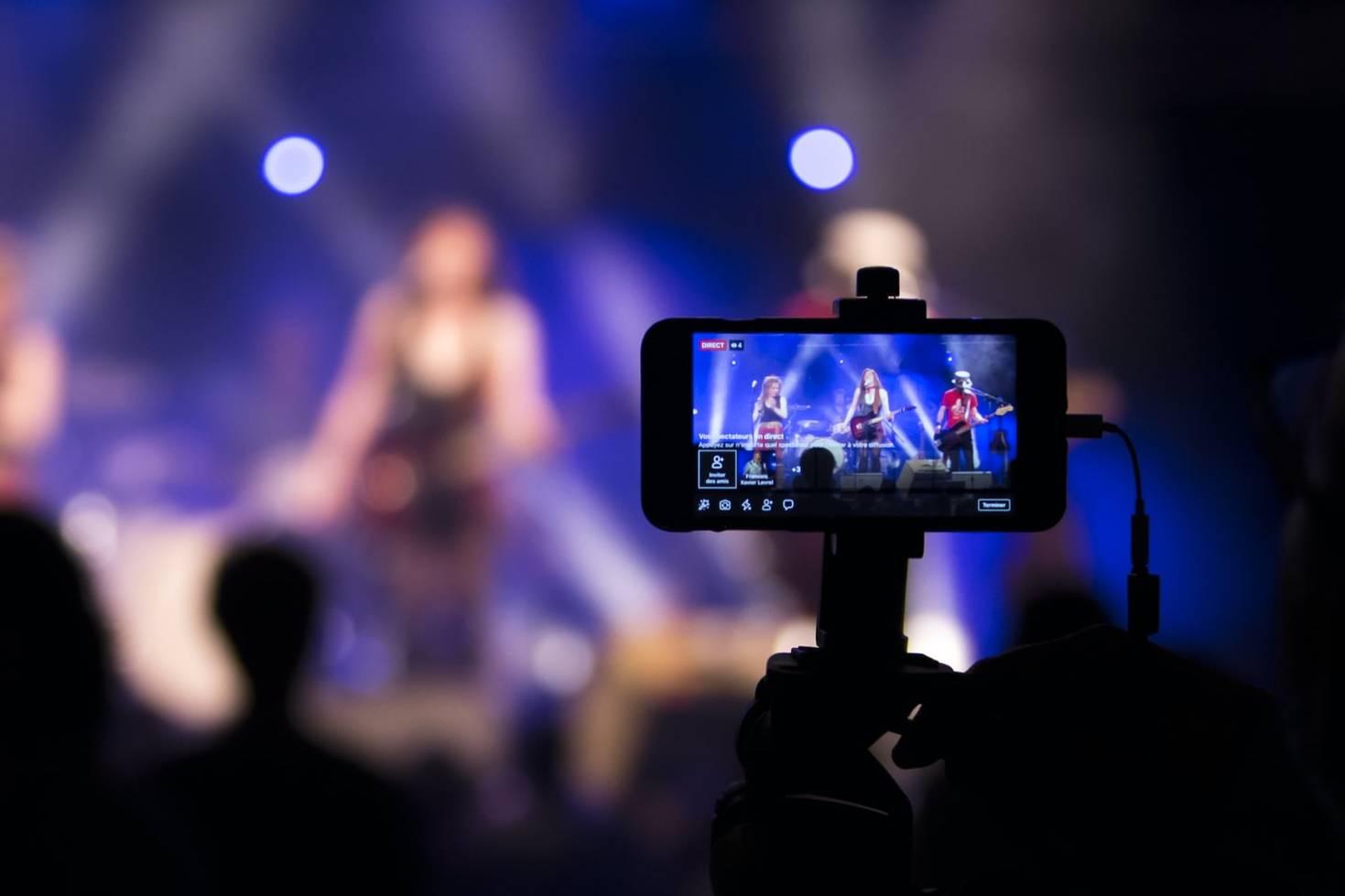
To truly transform your phone into a powerhouse streaming device for your TV, investing in the right accessories can make a world of difference. Here are a few key items to consider:
- HDMI Adapter: A high-quality HDMI adapter can connect your phone directly to your TV, ensuring seamless video and audio transmission without lag.
- Wireless Casting Devices: Devices like Chromecast or Apple TV enable you to cast your phone’s content wirelessly, providing flexibility and ease of use.
- Bluetooth Speakers: Enhance the audio experience by pairing your phone with Bluetooth speakers, offering richer sound quality than standard TV speakers.
- Sturdy Phone Stand: A reliable stand keeps your phone steady during streaming, especially when controlling playback remotely.
These accessories not only simplify the connection process but also significantly improve the overall quality of your viewing experience, making your phone a versatile and powerful streaming tool.